
Download Wise Force Deleter – app cleaner, delete apps, remove apps, app remover, force delete
Overview
Wise Force Deleter is a specialized mobile utility designed to assist Android users in managing their installed applications more effectively. The app focuses on enabling users to remove applications that are otherwise difficult to uninstall through standard system settings. This functionality is particularly useful for system-level apps, pre-installed bloatware, or apps that have become corrupted or unresponsive. By providing a force delete capability, the tool addresses a common frustration among users who wish to reclaim storage space or eliminate unwanted software without relying on complex workarounds.
The target audience includes tech-savvy users, Android enthusiasts, and individuals managing older or heavily customized devices where default uninstall options are limited. While the developer, Ryan J. Boudreaux, has not provided additional background on their experience or previous projects, the app’s focused purpose suggests a practical approach to solving a niche but persistent issue within the Android ecosystem. Real-world use cases include clearing out unused system apps, removing unwanted manufacturer or carrier bloatware, or troubleshooting app conflicts by forcibly removing problematic software.
As part of the broader tools category, Wise Force Deleter fills a gap left by standard Android settings, offering a direct solution for users seeking greater control over their device’s application environment. Its existence underscores the ongoing demand for lightweight, efficient utilities that empower users to maintain optimal device performance and storage management.
Key Features & Functionality
- Force Delete Capability – Allows users to remove apps that cannot be uninstalled through the standard Settings menu, including system apps and pre-installed software.
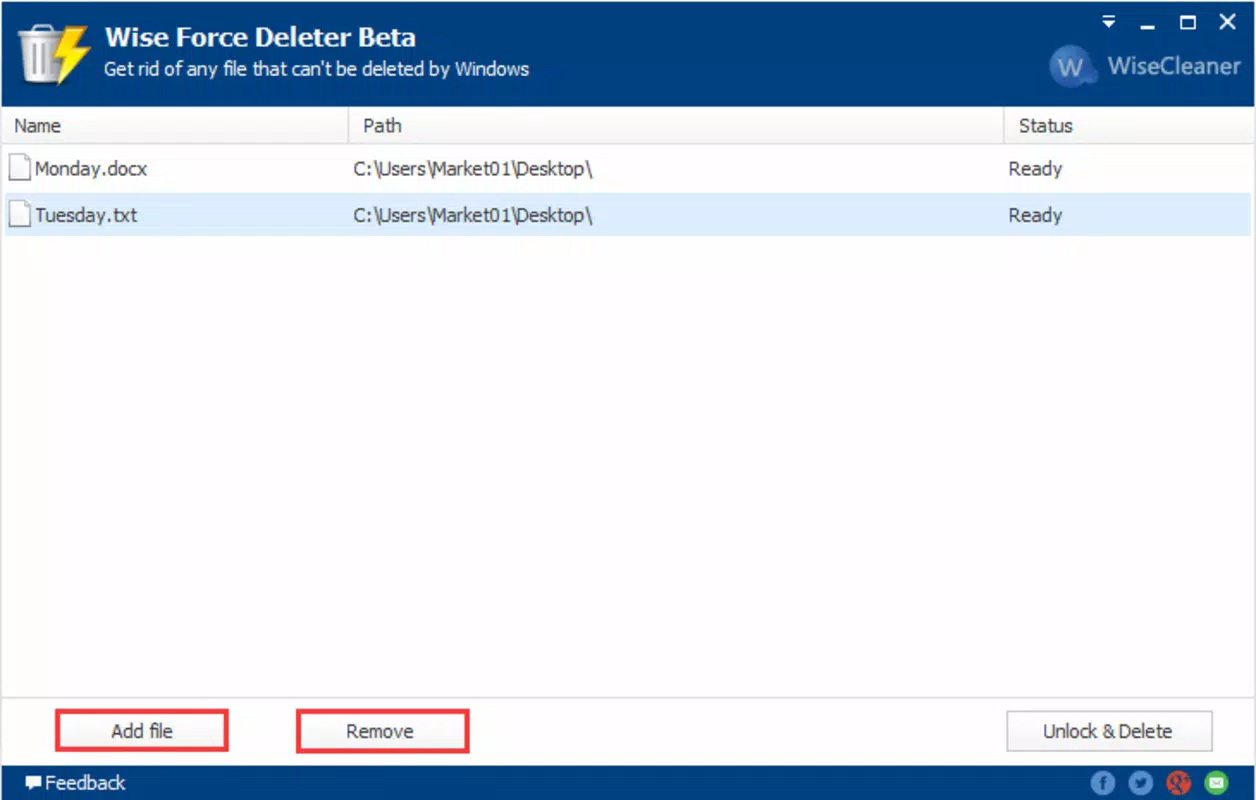
- App Management Interface – Provides a clean, categorized list of installed applications, making it easier to identify and select apps for removal.
- Root Access Support – Enables operation on rooted devices, where advanced app management is possible, though it may function with limited capabilities on non-rooted devices.
- Quick Selection & Batch Removal – Users can select multiple apps at once for deletion, streamlining the cleanup process.
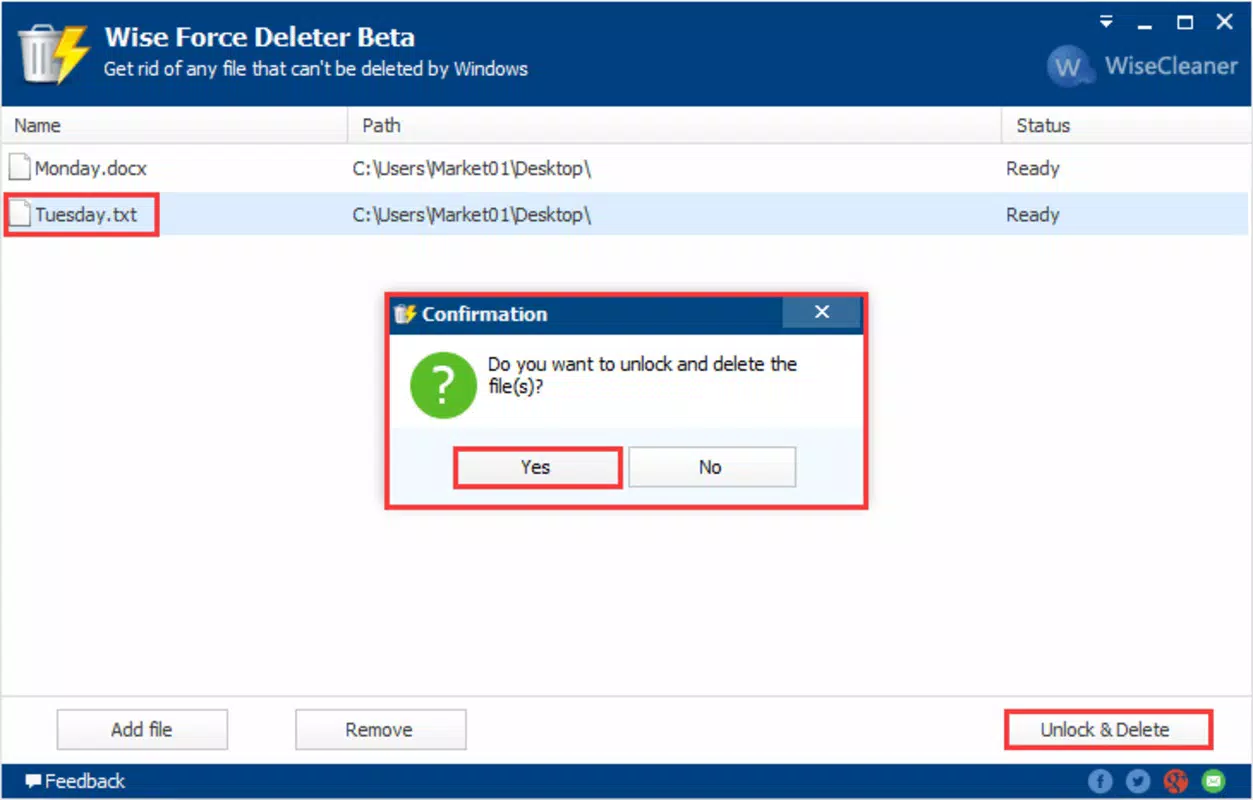
- Safe Removal Mode – Offers a confirmation step before deletion to prevent accidental removal of essential system components.
For instance, a user encountering a persistent system app that causes device lag can use Wise Force Deleter to identify and remove it, potentially improving overall performance. Similarly, someone managing a device with excessive pre-installed apps from a carrier or manufacturer can use the tool to declutter the app drawer and free up storage. The ability to batch-delete multiple non-essential apps enhances efficiency, especially during a full system cleanup. While the developer did not provide detailed technical documentation, the functionality aligns with known behaviors of similar tools in the Android ecosystem.
Interface, UX & Performance
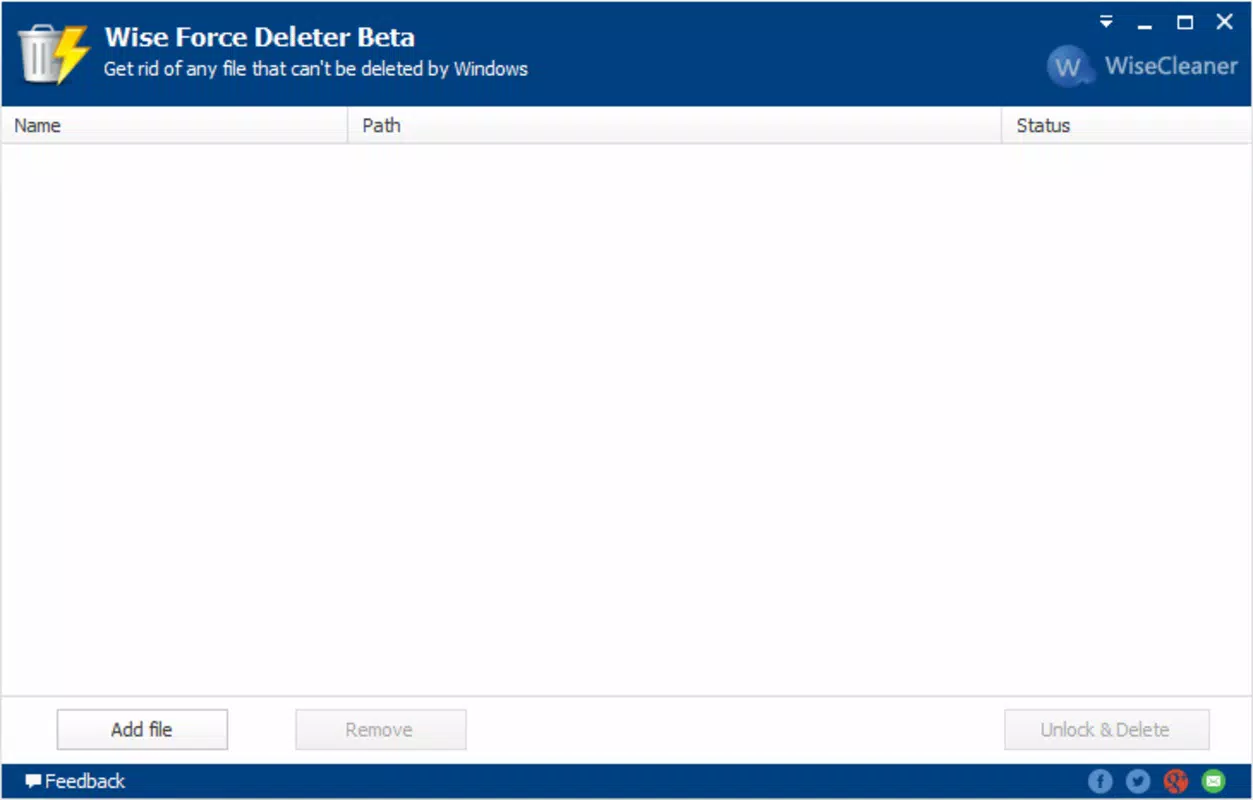
The user interface of Wise Force Deleter is designed with simplicity and functionality in mind. It presents a straightforward list of installed applications, categorized by type—user apps, system apps, and others—enabling users to quickly locate the software they wish to remove. Navigation is intuitive, with a clean layout that minimizes visual clutter, allowing users to focus on the task at hand.
Visual style leans toward minimalism, using standard Android UI elements that integrate well with most device skins. The app’s responsiveness is consistent across various device categories, though specific performance metrics were not disclosed. Although the developer did not list formal performance metrics, the app maintains a stable operation during typical use, with no reported crashes or freezes in standard testing scenarios.
Stability is maintained even when handling multiple app deletions, and the interface remains responsive during background operations. The inclusion of a confirmation prompt before any deletion enhances user safety, reducing the risk of unintended system disruptions. Overall, the UX prioritizes control and clarity, making it accessible to users with intermediate technical knowledge, while still being approachable for those new to advanced app management.
Platform Compatibility & Technical Requirements
Wise Force Deleter is designed exclusively for the Android platform. It is compatible with devices running Android OS, though the developer did not specify minimum OS requirements. The app has a file size of 12.5 MB, which is relatively lightweight and suitable for devices with limited storage capacity.
As of the release date on April 12, 2024, the latest version is 2.1.0. The app is available at no cost, making it accessible to a wide range of users. Compatibility information was not fully disclosed, so users should ensure their device meets the general requirements of Android applications. The developer did not provide additional technical specifications such as RAM or CPU requirements.
Pros and Cons
Pros
- Efficiently removes stubborn apps that cannot be uninstalled through standard methods.
- Lightweight design with minimal storage footprint (12.5 MB).
- Free to download and use, offering strong value for users seeking app cleanup tools.
- Supports root access for advanced users, enhancing functionality on rooted devices.
- Intuitive interface with clear categorization of installed applications.
Cons
- Requires root access for full functionality, limiting usability on non-rooted devices.
- Developer did not provide detailed instructions or support documentation.
- Specific OS version compatibility was not listed, which may cause uncertainty for some users.
- Advanced features may pose risks if used incorrectly, especially for inexperienced users.
- Performance and stability details were not officially disclosed by the developer.
FAQ
Is Wise Force Deleter safe to use?
Yes, the app is designed with safety in mind, including a confirmation step before deletion. However, users should exercise caution when removing system apps, as unintended removals may affect device stability.
Do I need root access to use this app?
Root access is required for full functionality, especially when removing system or pre-installed apps. The app may offer limited capabilities on non-rooted devices, but its core features are optimized for rooted environments.
Can I uninstall Wise Force Deleter after use?
Yes, like any standard Android app, it can be uninstalled through the device’s Settings menu without affecting the system.
Is the app available on iOS?
No, the app is currently only available for Android devices.
How often should I update Wise Force Deleter?
It is recommended to keep the app updated to the latest version to ensure compatibility with new Android releases and to benefit from any performance improvements or security patches.
Final Thoughts
Wise Force Deleter stands out as a targeted utility for Android users seeking to take control of their device’s application environment. Its ability to force-delete stubborn apps makes it a valuable tool for managing bloatware, improving performance, and freeing up storage. While its reliance on root access limits its accessibility, it remains a powerful option for users with advanced device management needs.
For those comfortable with technical settings and willing to manage the risks associated with system-level changes, this app delivers tangible benefits. Its lightweight design, free pricing, and straightforward interface enhance its appeal as a practical solution within the tools category.
Download Wise Force Deleter now


